Using Bash with MySQL
Now I’m back working with MySQL on Linux I’m starting to learn Bash scripting to automate various tasks. Here’s a very simple script demonstrating how to interact with MySQL from Bash.
Just set the localhost, user and pwd (password) variables to something appropriate for the MySQL server you want to query. The script will use the MySQL database, run the SHOW TABLES command, before listing each table name in the console.
#!/bin/bash
# MySQL details
HOST="localhost";
USER="xxxxxx";
PWD="xxxxxx";

# Output sql to a file that we want to run
echo "USE mysql; SHOW TABLES;" > /tmp/query.sql;

# Run the query and get the results
results=`mysql -h $HOST -u $USER -p$PWD < /tmp/query.sql`;

# Loop through each row
for row in $results
do
	echo $row;
done
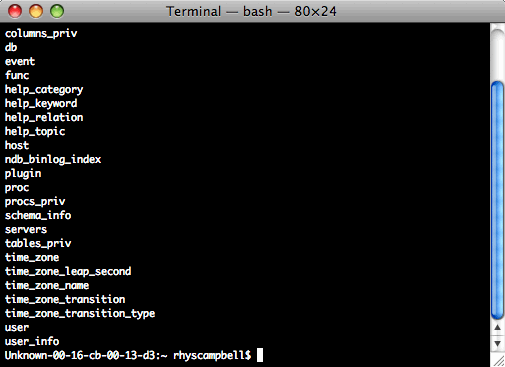
If you save this to a file you’ll need to make it executable. You can do this with chmod;
chmod 755 /path/to/bash/script/script.sh