The 'DataSourceView' with 'ID' = 'Adventure Works DW2008' doesn't exist in the collection.
One of my goals for this year has been to learn more about SQL Server Analysis Services. So I’ve bought myself a (very fat) book on the subject and have started to work my way through it. A few days ago I built the first example cube in Chapter two. Coming back to it this evening, I opened the project in BIDS, and was presented with the following error in the cube designer.
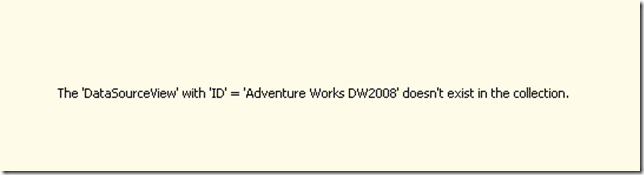
I recalled renaming the DataSource View, and have experienced similar issues with renaming objects in SSIS, so I decided to check out the properties of the DataSourceView.

Mmmm, the ObjectId here has a ‘1’ on the end which implies to me it has been copied and pasted from an original. This info appears to be read only here so I decided to dive into the cubes xml. The xml of a cube can be viewed by right-clicking on it in Solution Explorer and choosing “View Code”.

I found one reference to Adventure Works DW2008 in this XML between <DataSourceViewId> tags. I changed this to the Id of Adventure Works DW2008 1 as below.

I then saved the project and went back to the cube designer.

Excellent. I have repaired my broken cube! Now on with Chapter three!